Use Ad Library when
You need public ad lookup and can handle manual filtering.
Comparison
Facebook Ad Library can be useful for public ad discovery. Winning Hunter is positioned differently: as an ecommerce research platform with ad filters, store tracking, and product research workflow features.
Independent guide. Product-directed links may be affiliate links, and current terms should be verified on the live product page.
Last checked: August 12, 2026.
You need public ad lookup and can handle manual filtering.
You want ecommerce-oriented filters, store context, and a broader research workflow.
Pick the option that helps you make better product and creative decisions faster.
Comparison
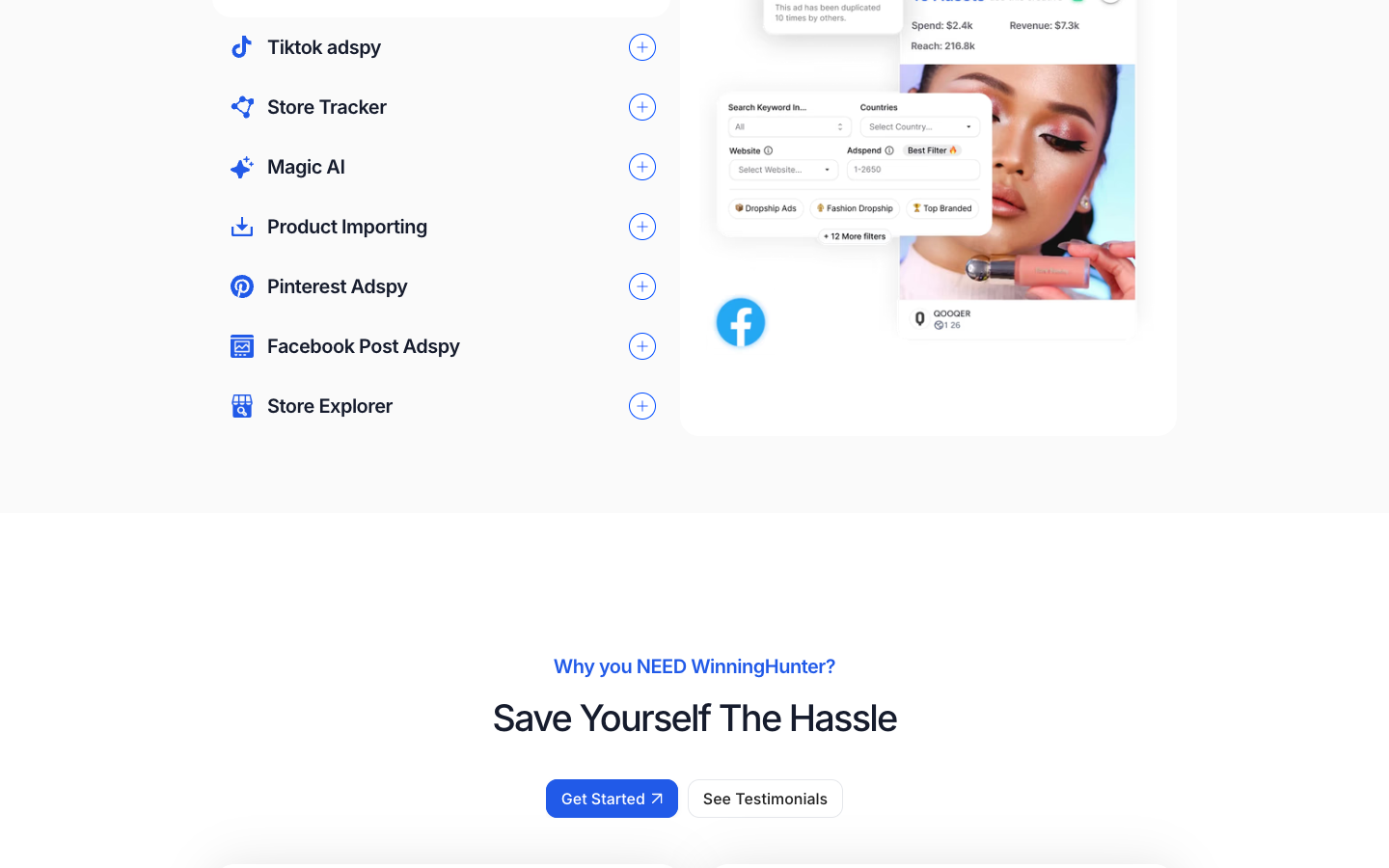
The official WinningHunter page highlights access to Facebook ad research with filters such as ad spend, media type, dates, product creation date, and performance. It also presents store tracking, Magic AI, product importing, Pinterest ad spy, TikTok ad spy, and store explorer features.
That means this comparison is less about whether one page can show an ad, and more about whether you need ecommerce-specific context around ads, stores, competitors, and products. A free public library can be enough for basic creative browsing. A paid ecommerce research workflow only starts to make sense when the extra filtering and store context changes the way you choose what to test.
Facebook Ad Library is useful for public ad lookup; Winning Hunter is framed around product and store discovery.
Winning Hunter's public positioning emphasizes ecommerce filters and ad-spend validation.
Store and product research features may matter if you need more than creative inspiration.
Comparison
Start with Facebook Ad Library if you are still learning how competitors write offers, frame benefits, or present video creatives. It is especially useful when you already know the brand, page, market, or product category you want to inspect. For occasional research, it may give you enough examples without adding another subscription.
The tradeoff is that manual research takes discipline. You have to save examples, group them by hook and offer, check whether the same product appears across stores, and decide whether the ad is actually relevant to your audience. A public ad archive can show creative output, but it does not automatically turn that output into a product testing plan.
Use it when budget is tight or the task is simple creative discovery.
Search a specific advertiser when you already know who you want to study.
Manual filtering can become slow if you repeat the same research every week.
Comparison
Winning Hunter becomes more relevant when your question is not just what ads exist, but which ads, stores, and product angles deserve closer review. Its public positioning points toward ecommerce-specific research across ad libraries, store tracking, competitor checks, and product importing. Those categories can be useful if your team needs a repeatable way to move from discovery to validation.
That still does not mean Winning Hunter is automatically the better choice. The paid tool should be judged by saved time, useful filters, reliable workflow fit, and whether the outputs lead to clearer decisions. If the tool only adds another dashboard but does not improve your product selection process, the free route may be enough.
Ask whether the tool helps you move from ad examples to product decisions.
A subscription makes more sense when research is a weekly or daily task.
The best research output should tell you what to inspect, test, or reject next.
Comparison
If you are early and only browsing examples, start with free research methods. If research is a daily workflow and speed matters, compare Winning Hunter pricing against the time saved by a more focused ecommerce workflow. The safest path is to read the workflow page, compare alternatives, then check pricing only when you know which research tasks you expect the tool to handle.
Comparison
Winning Hunter vs Facebook Ad Library is the comparison most people need when they want to move from free browsing to a paid workflow.
Use Winning Hunter review, Winning Hunter pricing, and Winning Hunter alternatives to decide whether the extra filtering is worth it.
Use this for the head-to-head choice.
Use this when you want the product read.
Use this when you need the plan fit.
Use this when you want a broader comparison.
Common questions
No. The official positioning includes broader ecommerce research features such as store tracking, TikTok ad spy, Pinterest ad spy, Magic AI, and product importing.
It may be enough for manual creative research. A paid research platform may fit better if you need filtering, store context, and repeatable product validation.
Beginners should understand the workflow and pricing before subscribing. Start with the workflow and pricing pages.
Compare the task you repeat most often: finding ads, checking stores, reviewing saturation, or preparing product tests.
Yes. Some teams use free ad libraries for broad browsing and paid tools when they need faster ecommerce-specific filtering.
Ready to verify the live offer?
Use the live product flow for current pricing, trial availability, login access, plan limits, and checkout terms.